How a Computer Works: A Guide for Students and Parents
A computer looks complex, but it is made of a few understandable parts. Let's go through them in plain words, and at the end see each one in action — in a free simulator where you can build a computer with your own hands.
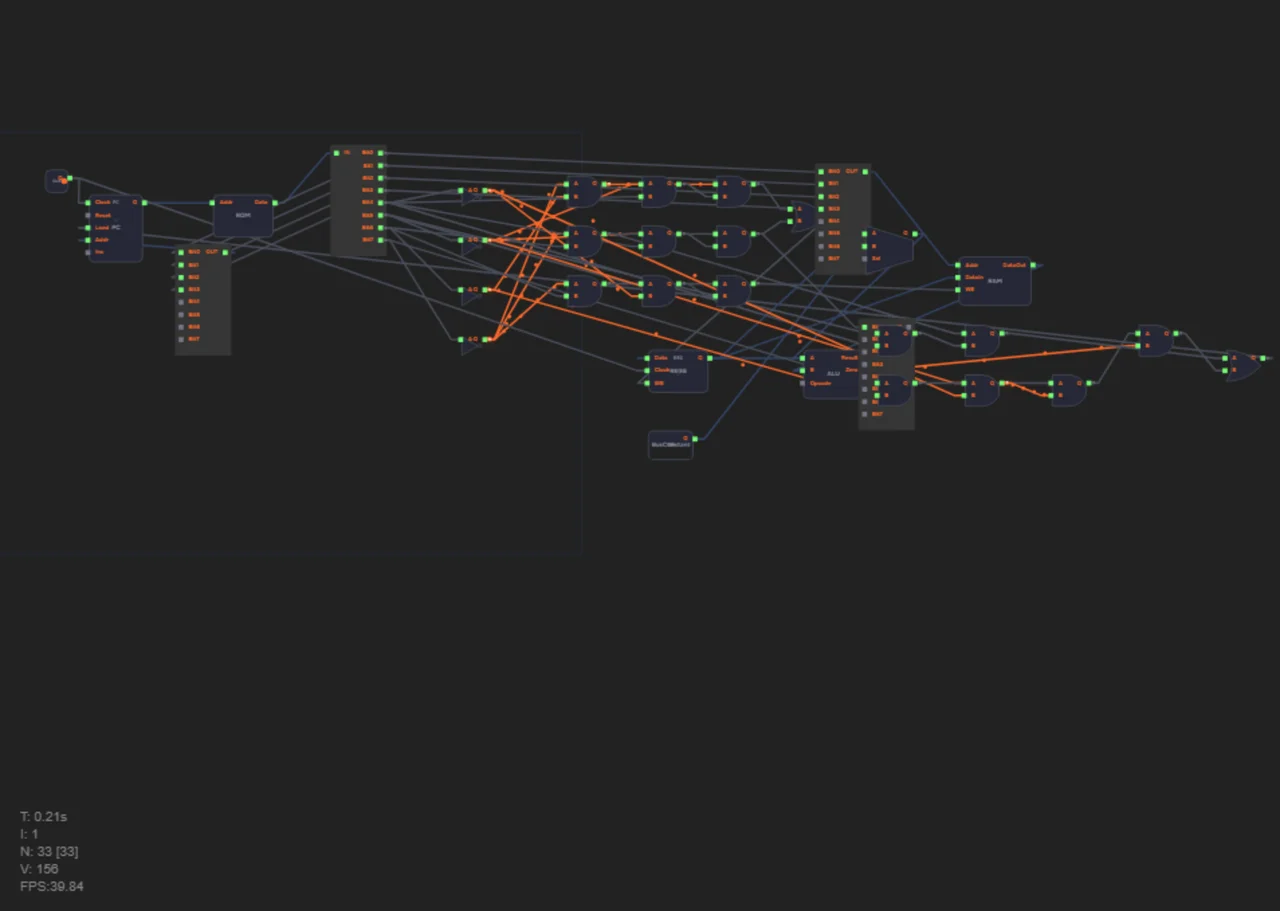
The main parts of a computer
Any computer — from a smartphone to a server — has the same core parts:
- Processor — the "brain". Executes program instructions, computes and makes decisions.
- Memory — the "notepad". Stores data and programs while they are needed.
- I/O devices — "senses and hands": keyboard, mouse, screen, speakers.
- Buses — the "roads" data travels on between parts.
- Programs — "recipes": step-by-step instructions the processor executes.
This separation is not accidental: it is how both a simple teaching computer and your laptop are organized.
The processor: the brain
A processor knows only a few things but does them incredibly fast: add and compare numbers, move data to and from memory, and make decisions (execute an instruction or skip it). Inside are an arithmetic-logic unit (does the math), registers (ultra-fast internal memory) and a program counter (remembers which instruction is next).
For the full story — from transistor to program — read How a Processor Works.
Memory: the notepad
Memory comes in different speeds and "durability":
- Registers — the fastest, but few (a few dozen bytes).
- RAM — fast memory that keeps data while the computer is on.
- ROM — memory for programs that never change (e.g. the bootloader).
- Disk (SSD/HDD) — slow but spacious memory that keeps data forever.
The processor works only with RAM and registers — a disk is far too slow. That is why launching a program first loads it into RAM. Computer memory is covered in Registers: First Byte of Memory and Harvard Architecture.
How a computer runs programs
A program is a list of instructions. The processor executes them in a loop:
- Fetch the instruction from memory at the address in the program counter.
- Figure out what to do (the decoder).
- Execute: compute, read memory, write the result.
- Move to the next instruction — and repeat.
Millions of such loops per second — and a game "lives" on screen, a browser runs, text is typed. More on the instruction cycle in How a Processor Works.
Why computers understand only zeros and ones
At the heart of all computing is a tiny switch — the transistor. It has two states: conducting current or not. We label them zero and one. So all data — numbers, text, pictures — is stored as sequences of zeros and ones. Learn more in 0 and 1: Machine Language.
What a program really is
Any program — even the most complex game — ultimately becomes a set of simple processor instructions. People write in high-level languages (Python, C++), and a compiler translates them into machine code. But there is one language where instructions are visible directly: assembly. You can write a program that controls hardware with no intermediaries: LDA 5 — "load the value from memory cell 5", ADD 3 — "add cell 3". A first look — in Assembly: The Most Honest Language. You can try the instructions right away: the sandbox with a ready processor opens with no levels to complete.
Build a computer yourself: 47 levels in the browser
Theory becomes clear when you see it with your own hands. The free Ershov Computer simulator takes you from the first wire to a working processor in 47 levels:
- First — a wire and simple gates: "Let there be light", "Perfect pair".
- Then — arithmetic: half adder, 8-bit adder.
- Next — memory: D flip-flop, 8-bit register.
- Finally — a processor with assembly and Snake running on it.
For parents and teachers there is a course curriculum with time estimates per level and school adoption materials.
FAQ
Where should a child interested in computers start?
The best start is practice: the first simulator levels take 10–15 minutes and need no preparation. Read library articles alongside, one topic at a time.
Is this suitable for elementary school?
Yes. Levels go from simple to complex, and hints plus an AI tutor help when things get hard. For classroom use there is a methodology guide.
Do I need a powerful computer?
No. The simulator runs in an ordinary browser with no install and no powerful hardware — any modern computer or tablet works.